How to Register in War of Continents
Before you dive into War of Continents, you’ll need to create an account.
You can register even if you do not want to connect MetaMask right away.
Registration is quick and simple — let’s walk through it step by step.
Where to Register
Registration is available through the Login page.
When you open the link, you’ll see the login form.
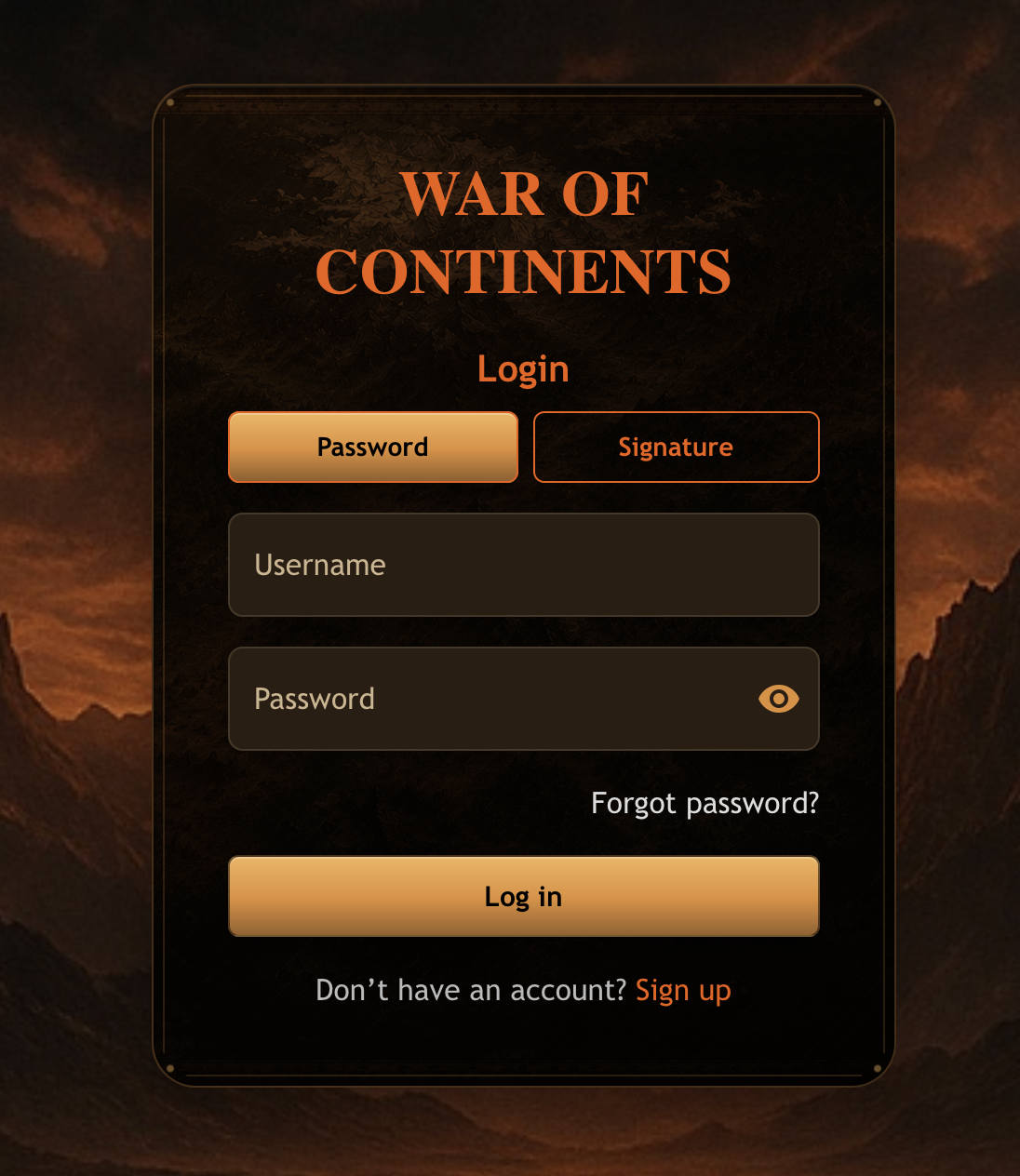
At the bottom of the form, click Sign up to switch to the registration page.
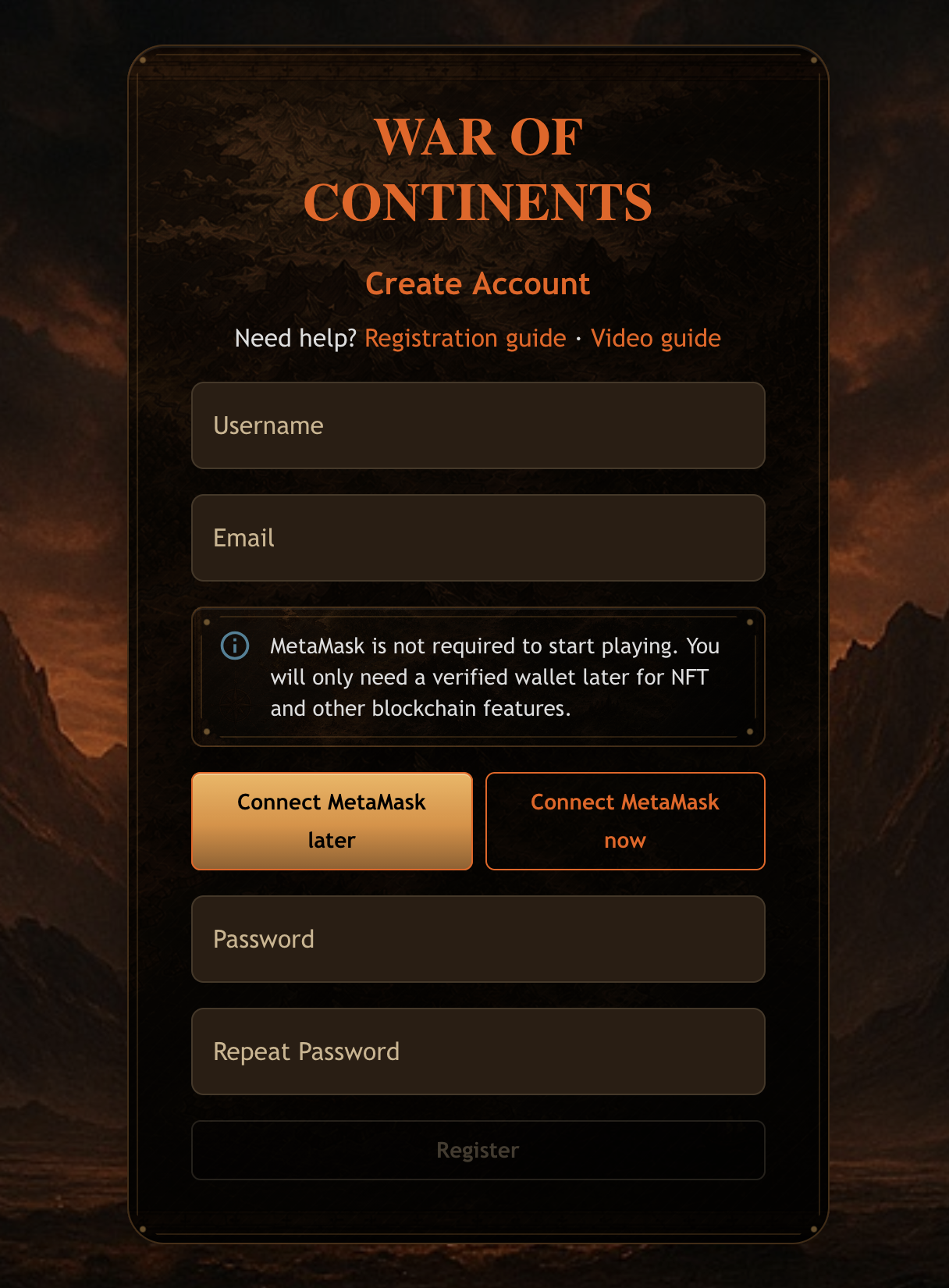
Step 1 — Choose Your Login Name
Enter your desired login name. The system will automatically check availability:
- ✅ Login available — the name is free.
- ❌ Login already taken — please try another one.
Step 2 — Enter Your Email
Provide your valid email address. This will be linked to your account.
Step 3 — Choose When to Connect MetaMask
MetaMask is not required to create your account or start playing. The registration form gives you two options:
- Connect MetaMask later — create your account without adding a wallet address during registration.
- Connect MetaMask now — link and verify your wallet address before finishing registration.
If you choose Connect MetaMask later, continue directly to the password step.
If you choose Connect MetaMask now, click the button and follow the MetaMask prompts.
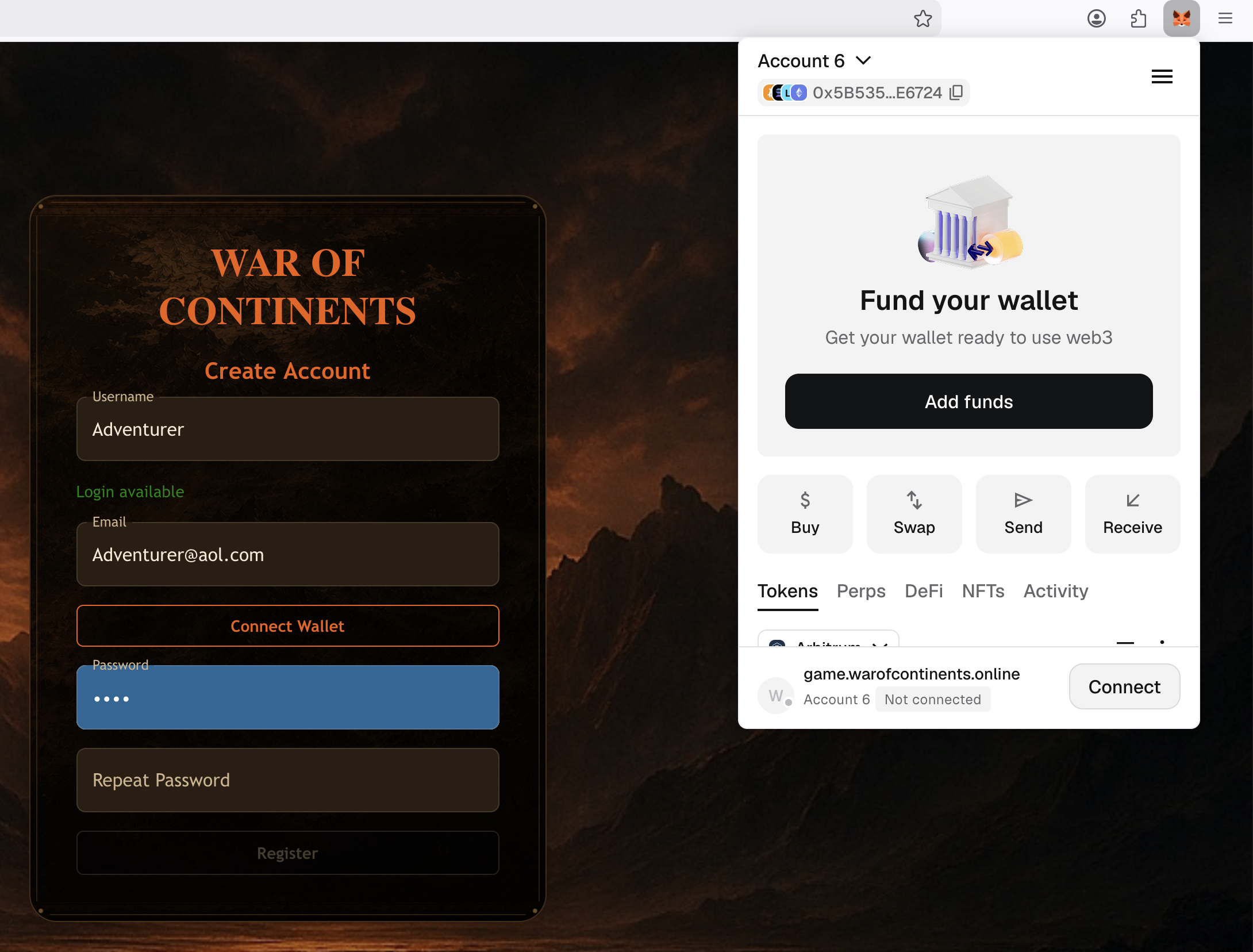
A MetaMask window will appear.
First, click Connect to link the game with your wallet.
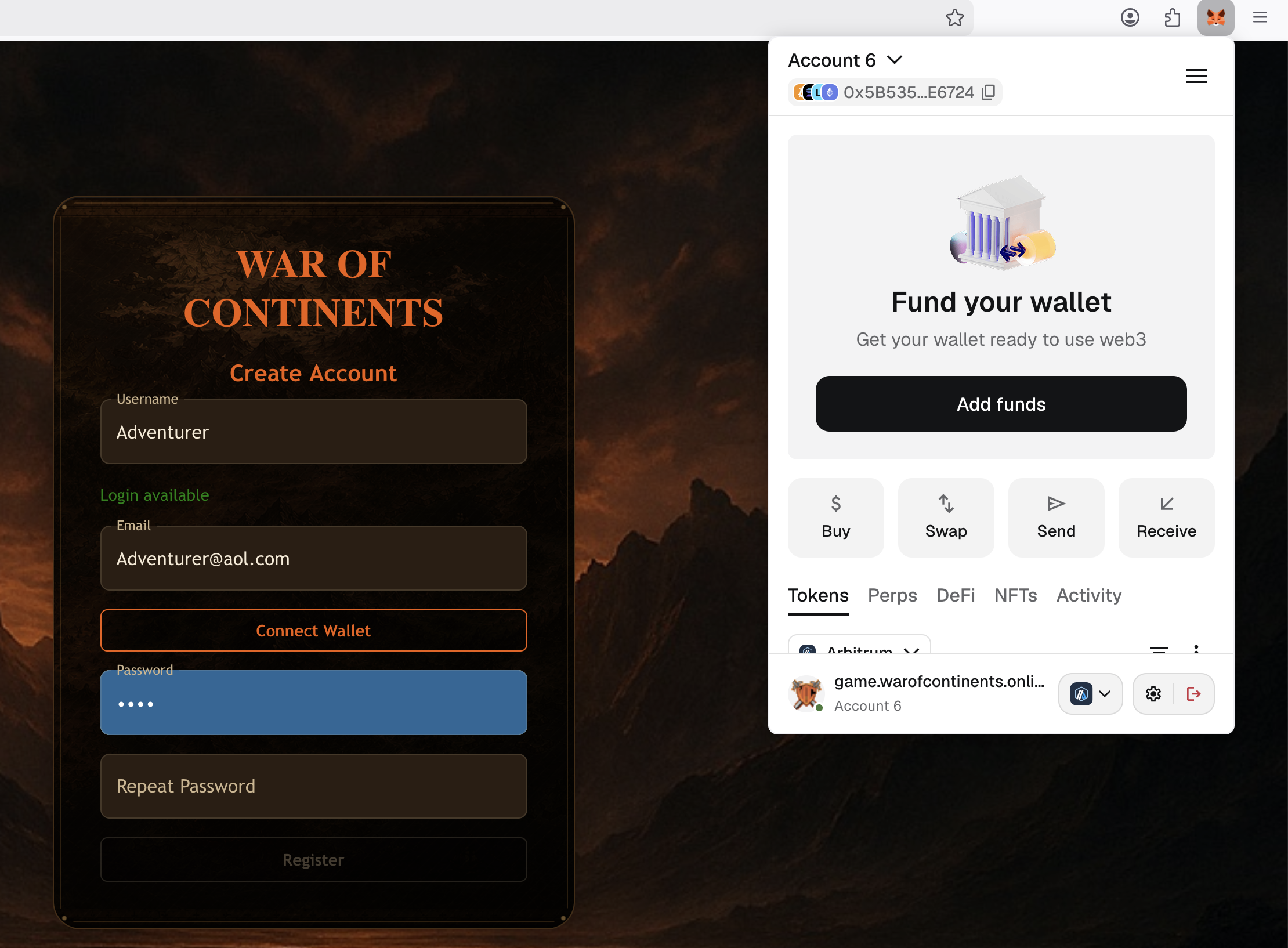
Then click Confirm to prove that you own this wallet address.
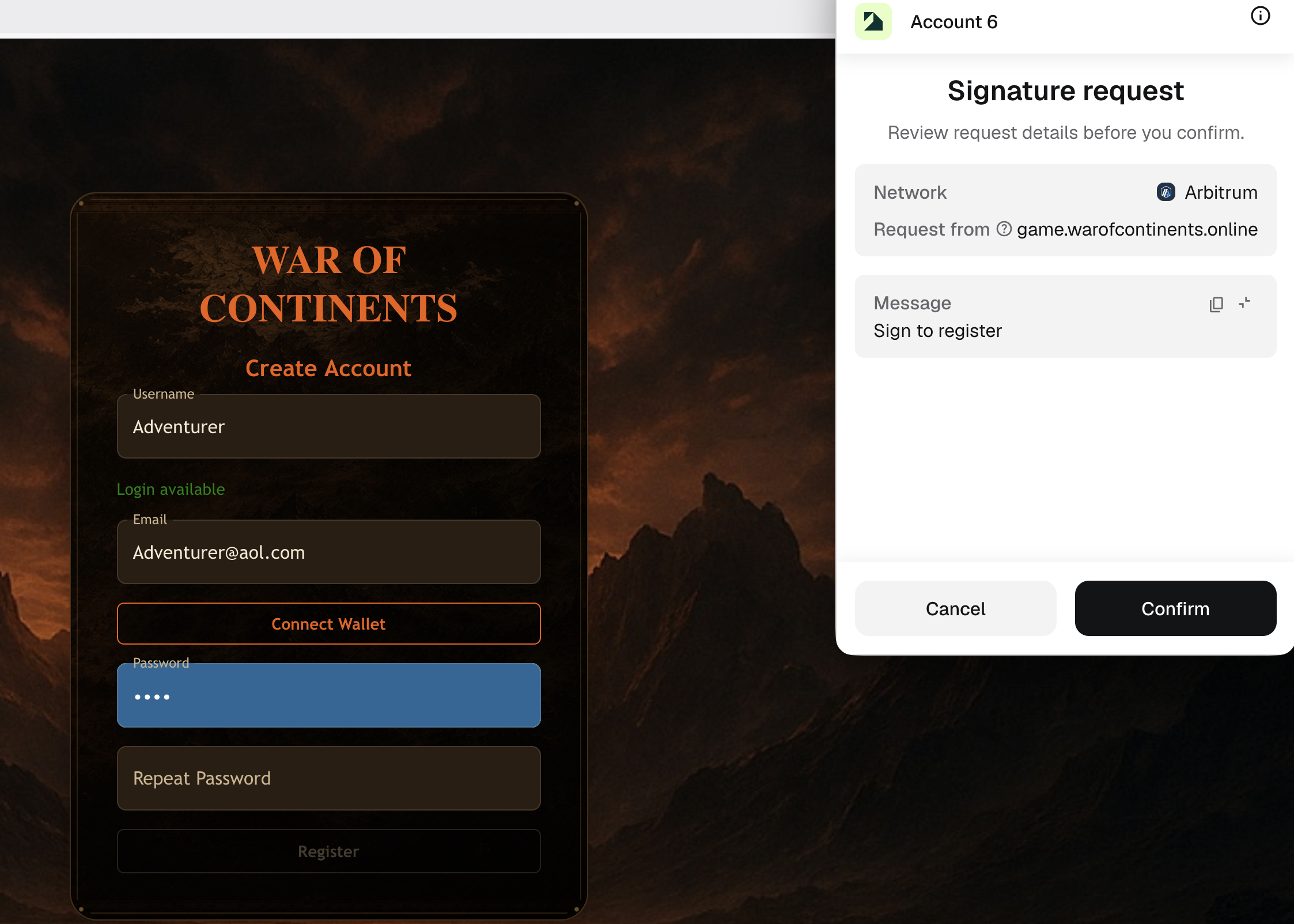
Don’t worry — no blockchain transaction is created and no gas fees are charged.
When the connection is complete, the Connect MetaMask button will change to Wallet Connected, and part of your wallet address will be displayed.
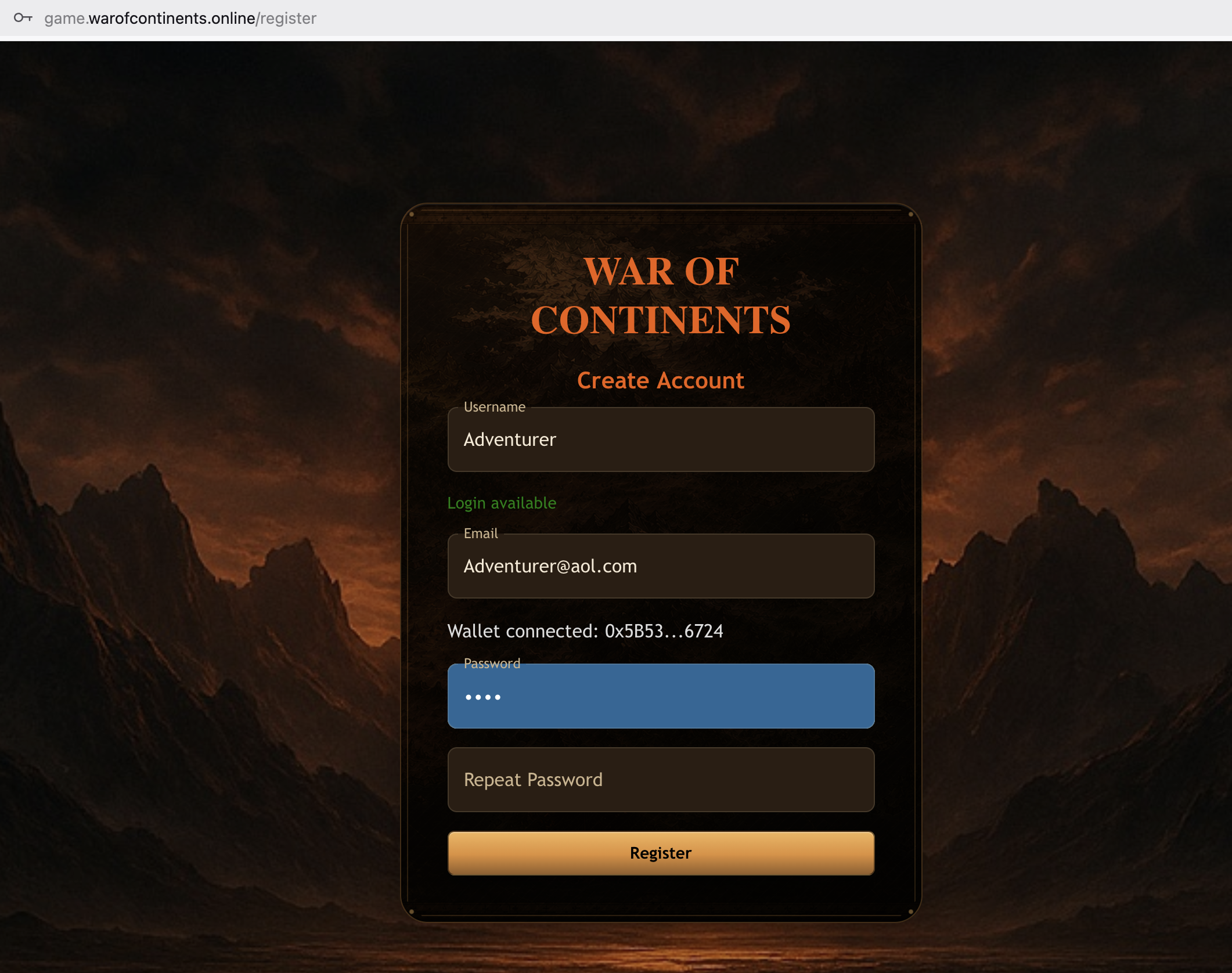
Step 4 — Set Your Password
Enter your password twice to make sure there are no typos.
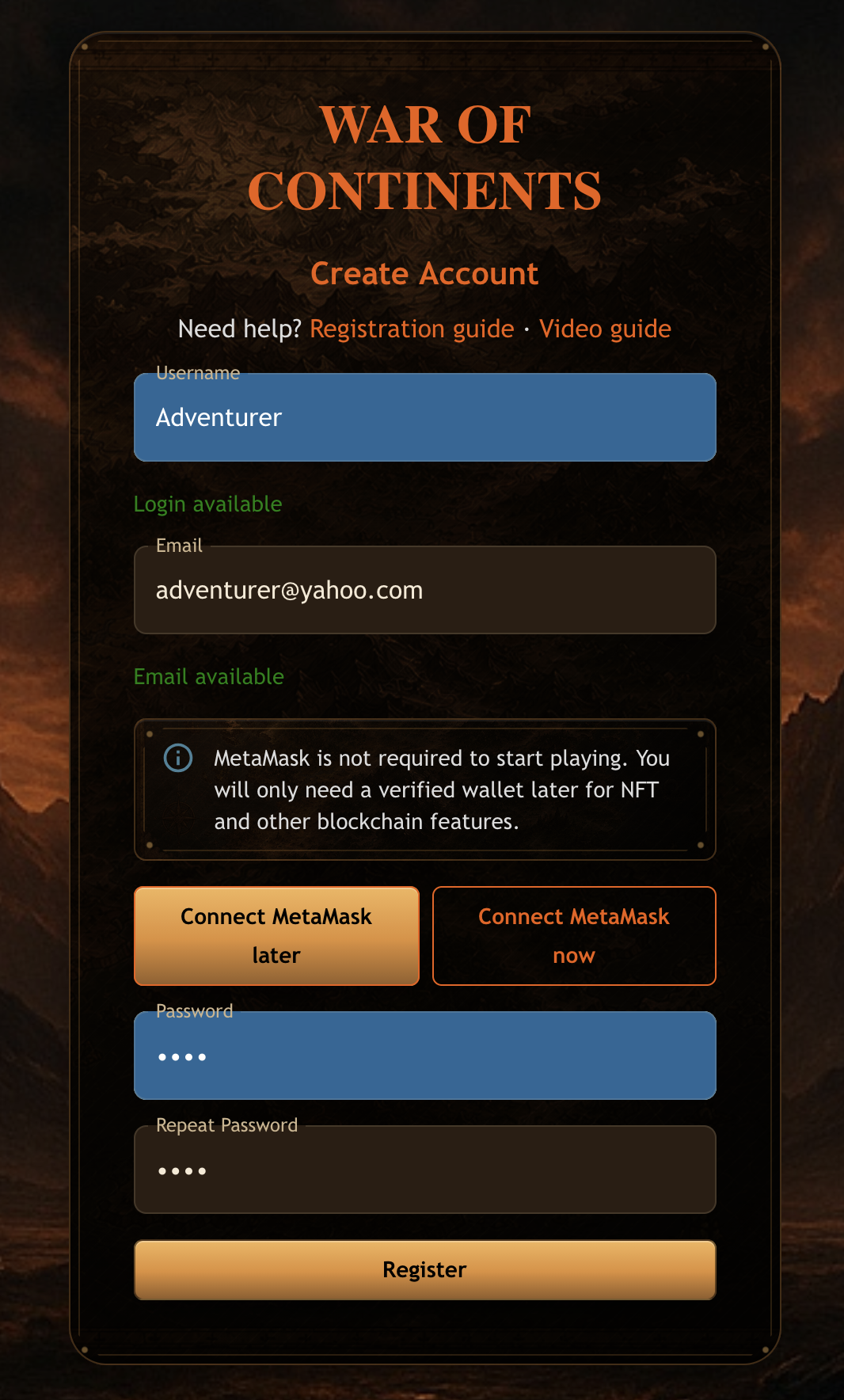
Step 5 — Finish Registration
Click REGISTER. That’s it! 🎉
Your account is ready, and you can start exploring the world of War of Continents.
If you skipped MetaMask during registration, you can connect and verify a wallet later when you want to use NFT or other blockchain features.
Frontier Assets After Registration
The current Frontier onboarding flow gives new players a free in-game starting set:
- 1 Frontier Land
- 2 Frontier Heroes
These grants are created inside the game, so they may take a short time to appear after registration. They are not wallet NFTs and do not require a purchase, deposit, or Platinum payment.
As your Profile grows, Frontier can expand your roster further:
- reaching Profile Level 1 grants +1 Frontier Hero
- reaching Profile Level 2 grants +1 Frontier Hero
This means a new player can grow from registration to 1 Frontier Land and up to 4 Frontier Heroes through the free Frontier path.
Next up: learn how Frontier assets work.
Video version of this guide: watch on YouTube